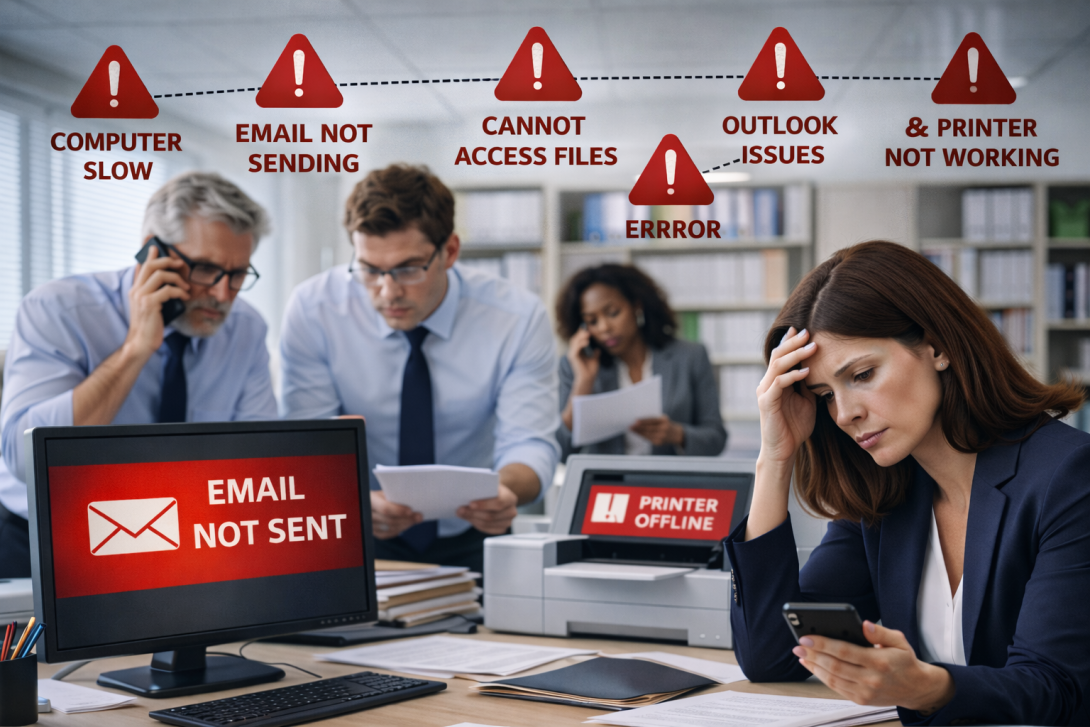
If it feels like the same office tech problems keep coming back, you are not imagining it. A computer slow issue one week becomes a printer not working crisis the next, then email not sending shows up right before a deadline, and suddenly Outlook issues and “cannot access files” are part of the routine. The business impact adds up: downtime, missed deadlines, billing interruptions, and clients waiting while the office scrambles. In many New Jersey workplaces, the real problem is not a single outage—it is the cycle of interruptions during a busy day.
Break-fix tends to solve the immediate symptom, not the reason it happened. A restart may “fix” a slow computer, but it does not explain why it keeps slowing down. A printer gets back online, but the next print job fails again. Email starts working, until it does not—and no one knows what changed. Over time, staff adapt with workarounds, which creates more confusion and more risk. Predictable operations come from improving reliability in core systems, such as email reliability and the connections that allow everyone to work consistently.
Here is a real-feeling example. An office manager tries to send documents, but email not sending stalls and Outlook issues keep prompting for sign-in. A paralegal attempts to print instead, but the printer not working error appears, and the computer slow workstation takes minutes to open the file. Then they cannot access files in the shared folder, so the team starts searching old emails for an outdated copy. What should be routine becomes a chain of interruptions during a busy day.
If problems keep repeating, these warning signs suggest break-fix is costing money:
- Issues disappear temporarily after a quick fix, then return within days or weeks
- Staff frequently switch computers, reprint, or resend because “it might work this time”
- Outlook issues and email not sending interrupt client updates and approvals
- Teams cannot access files reliably, causing rework and missed deadlines
- Printer failures and slow computers create frequent downtime during peak hours
A practical risk management plan focuses on prevention, ownership, and consistency.
If your New Jersey office is ready to stop living in reaction mode, the next step is straightforward: identify the repeat causes and put a plan around them. We review your most common disruptions, map how they affect workflow, and recommend practical changes that reduce downtime without adding complexity for staff. The objective is fewer emergencies, smoother billing flow, and a better client experience. Schedule a consultation to break the cycle and keep your New Jersey office running predictably.