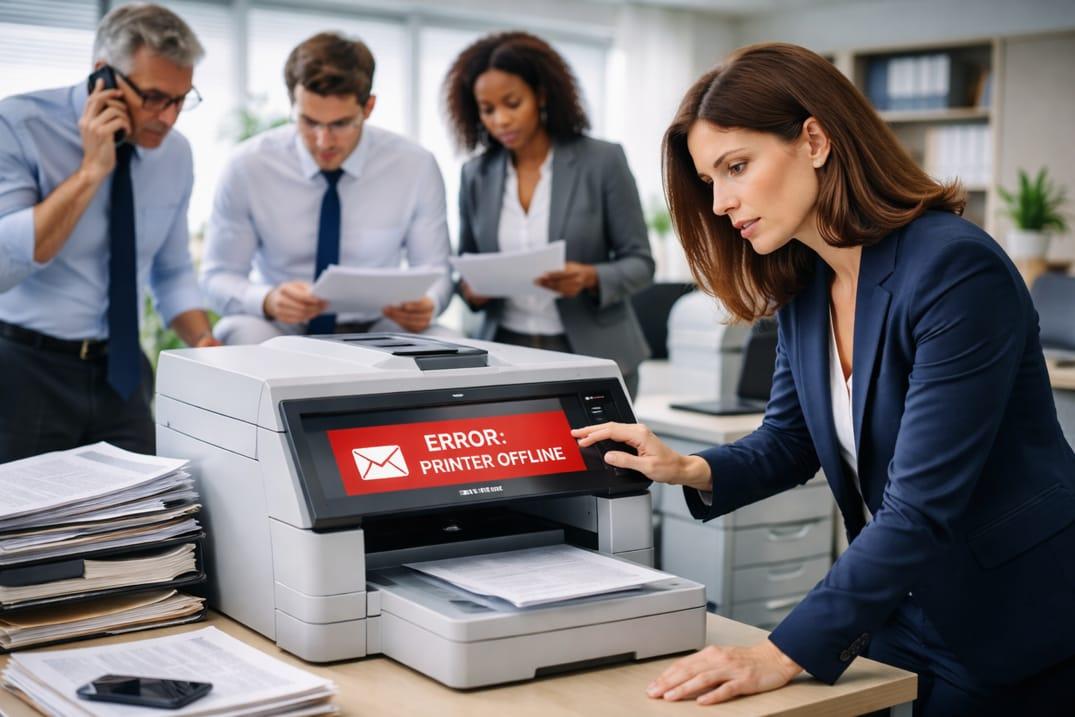
When the printer not working message shows up in the middle of a busy day, it is more than an inconvenience—it is a workflow shutdown. Files cannot be signed, scanned, mailed, or handed to a client. Staff start walking papers between desks, trying different trays, restarting devices, and hoping it “just comes back.” Meanwhile, deadlines do not move, phones keep ringing, and billing time gets interrupted. In many New Jersey offices, printing is still tied directly to daily operations, so every printing failure has real business impact.
Printer problems also tend to expose bigger patterns. A computer slow workstation can delay print jobs and freeze while someone tries to reprint. Outlook issues may block sending a scanned PDF, and email not sending adds another layer of stress when you need quick confirmation. When you cannot access files on the shared drive, the office ends up re-creating documents from memory or hunting through old emails. Break-fix reactions can get a single job printed today, but they rarely stop the same interruptions from returning next week. Reliable connectivity matters, and a stable office network is often the foundation.
Here is a real-feeling example. A receptionist needs to print intake forms before a client arrives, but the printer not working error keeps bouncing between “offline” and “busy.” A paralegal tries to help, but the computer slow system takes five minutes to open the file, then they cannot access files in the case folder. To make it worse, Outlook issues pop up while they try to email the forms instead, and email not sending stalls the backup plan. The lobby fills up while the office scrambles.
If these situations are repeating, these warning signs suggest break-fix is costing money:
- Printer failures disrupt filings, intake, or closing documents multiple times per month
- Staff waste time reprinting, rebooting, or switching computers to “find one that works”
- Scanning and sending stalls due to Outlook issues or email not sending
- Teams cannot access files reliably when they need to print or finalize documents
- Small glitches turn into long interruptions during a busy day
A written risk management plan helps prevent repeat breakdowns and protects deadlines.
If your New Jersey office is tired of printer outages setting the pace, it is time to stop treating printing as a surprise emergency. We look at what is causing the failures, what is triggering the repeat errors, and how to make printing and scanning dependable again—without adding complexity for staff. The goal is fewer interruptions, smoother client handling, and fewer last-minute scrambles that interrupt billing. Schedule a consultation to reduce printer downtime and keep your New Jersey office running on predictable systems.